 Vondo
Your money.
Your say.
Protect access to Vondo, review your transfers, and keep control of your wallet.
Get early access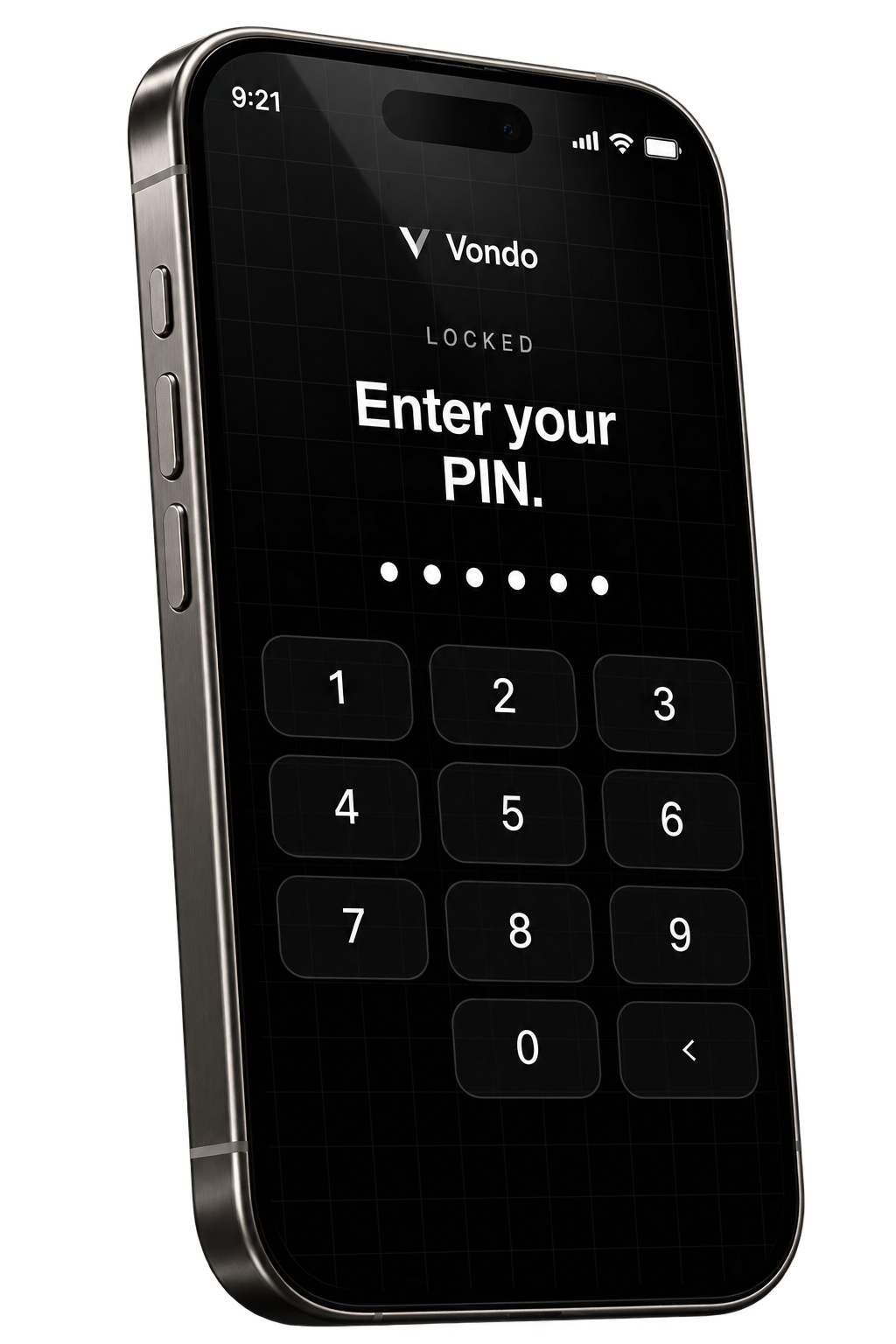
6-digit PINProtect access to your app.
Face IDA quick way to unlock Vondo.
Transfer reviewYou make the final call.
Check the details.
Then confirm.
Review the recipient and amount before you send. When the assistant prepares a transfer, you still make the final decision.
 Review transfer
Enter your PIN to continue.
Your wallet.
With you.
Export your private key from Settings to access your wallet in a compatible app.
Keep your private key somewhere safe. Never share it.A few things to know.
How do I unlock Vondo?
Use your six-digit PIN, or enable Face ID on a supported device. You can change your PIN and manage Face ID in Settings.
Can the assistant send money without me?
No. The assistant can prepare a transfer, but you review the recipient and amount and confirm before anything is sent.
What is a private key?
Your private key gives access to your wallet. You can export it from Settings after verifying your identity. Keep it somewhere safe: anyone with your private key can control your funds.
Be early.
Make it yours.
Join the waitlist for early access to Vondo.
You're on the list.
We'll email you when early access opens.